
How to set a Vacation Message
Updated Nov 18, 2026 · 1 min read
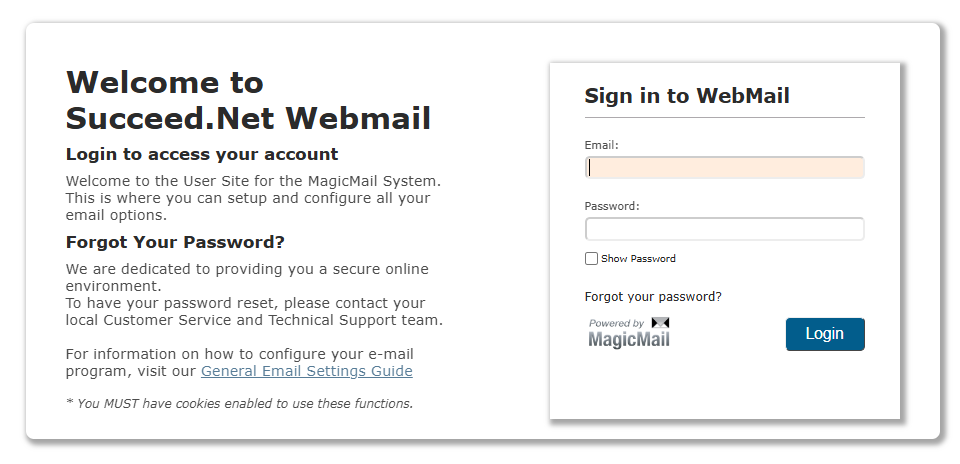
You can set your vacation message by logging in at https://mail.succeed.net/ with your full email address and password.
You will then select "My Email Options" in the menu on the left.
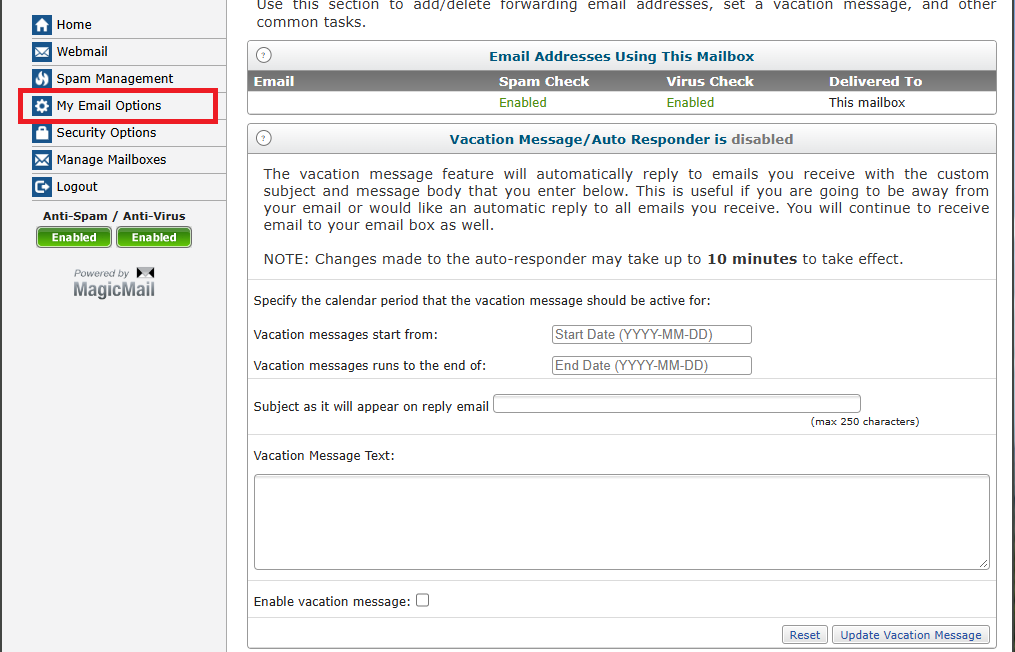
From here, you can set your message and the date range that you need your message to be active.