How to Change Your Email Password
Updated Mar 6, 2026 · 1 min read
You can update your email password by first logging in at mail.succeed.net.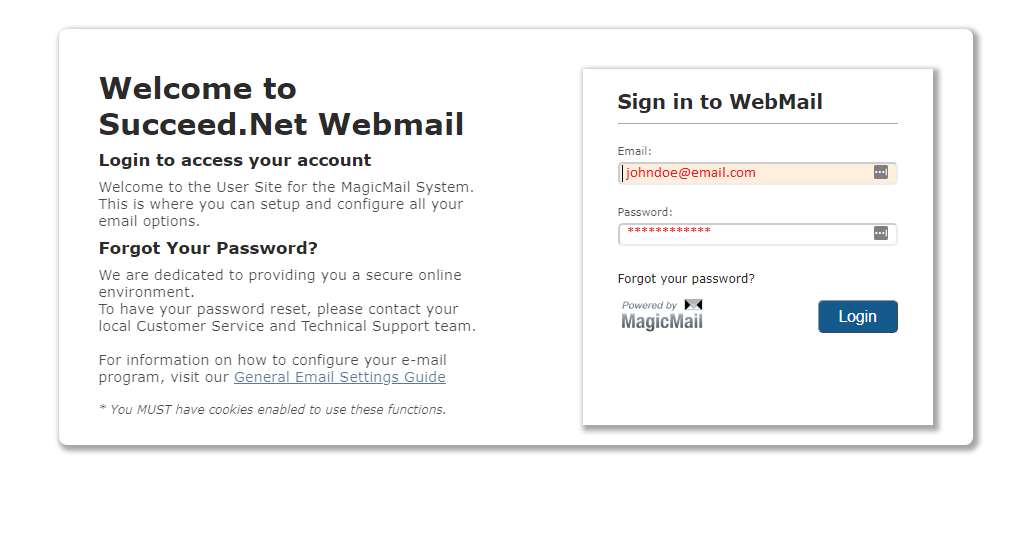
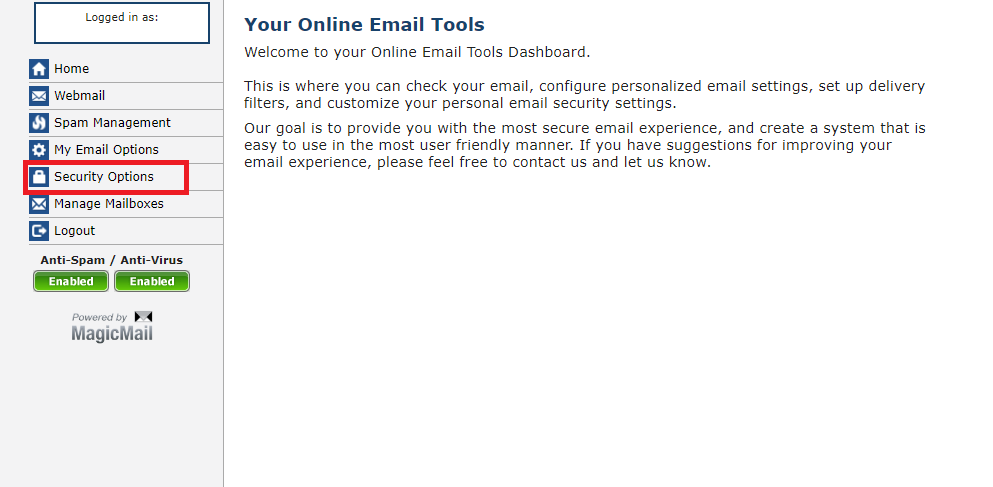
You will then click on the "Security Options" from the menu on the left.
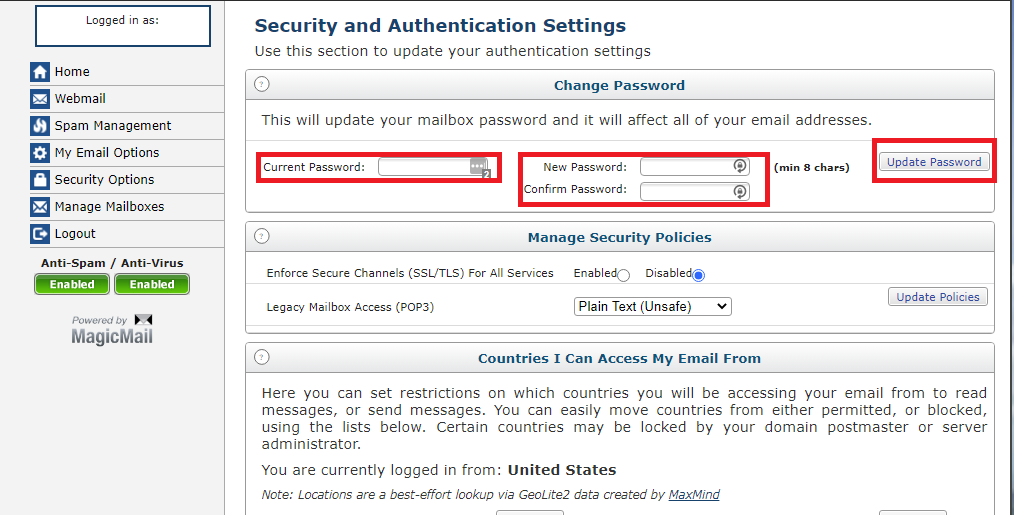
Finally, enter your current password, and the new password, and then confirm the password. Press the "Update Password" button when all 3 fields have been filled out.