How to Pay Invoices Online - Fixed Wireless
Updated Mar 5, 2026 · 1 min read
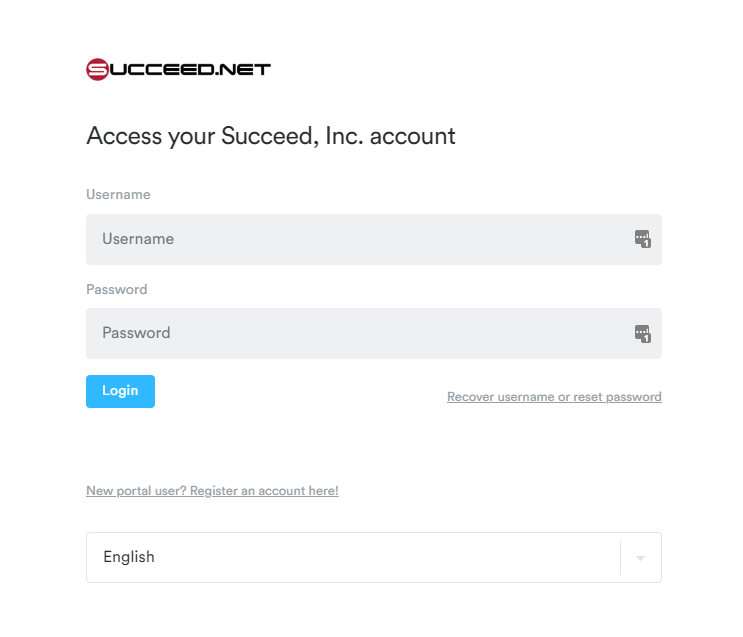
You can access the payment portal by going to mysucceed.net. If this is your first time logging in, you will want to select the "New Portal User?" option below the login button and you can follow the guide for this at First time logging into mysucceed.net.
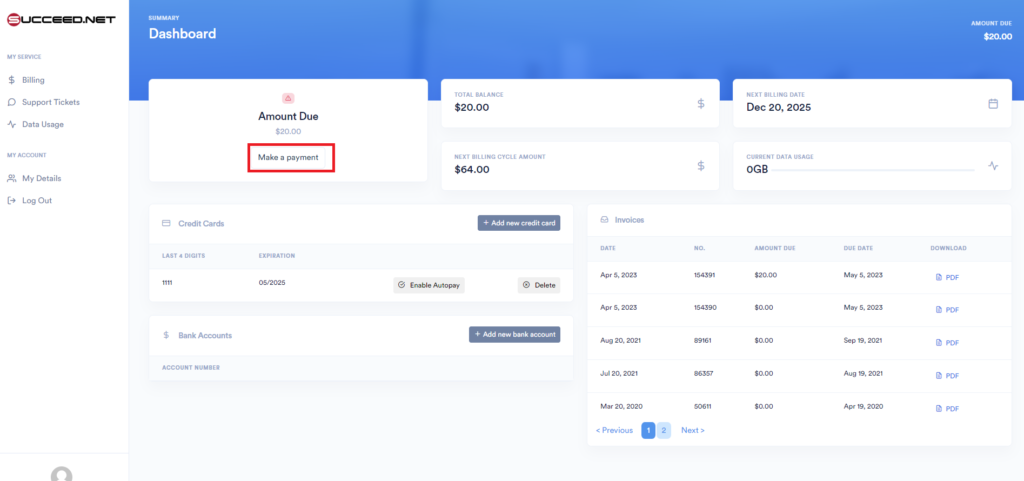
Once logged in, you can view your current invoices, add/remove payment methods, and make payments. To make a payment, you will select the Make a Payment button.
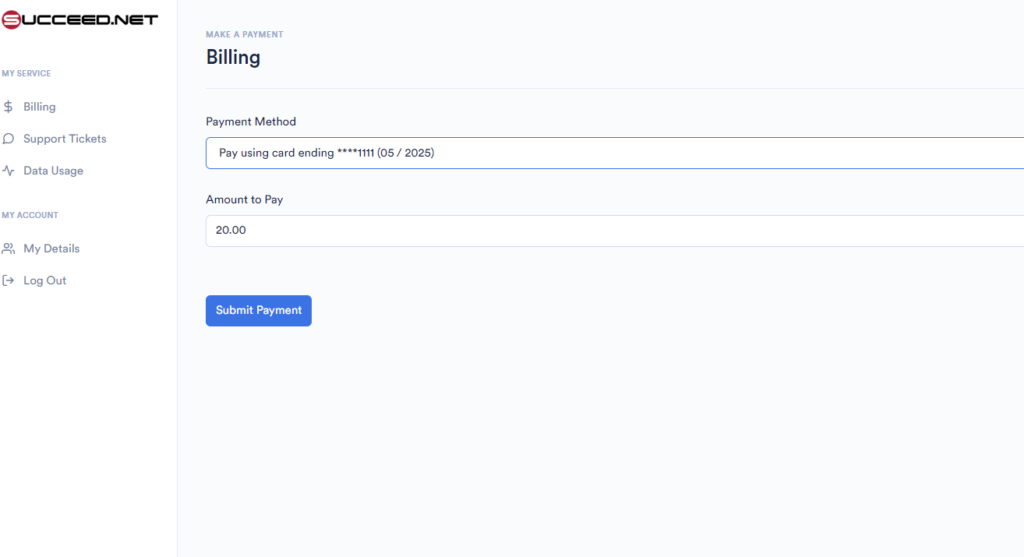
This will then bring you to the payment screen where you can select a current payment method or add a new form of payment.