How to Pay Invoices Online - DSL, Email, and Web Hosting
Updated Mar 5, 2026 · 1 min read
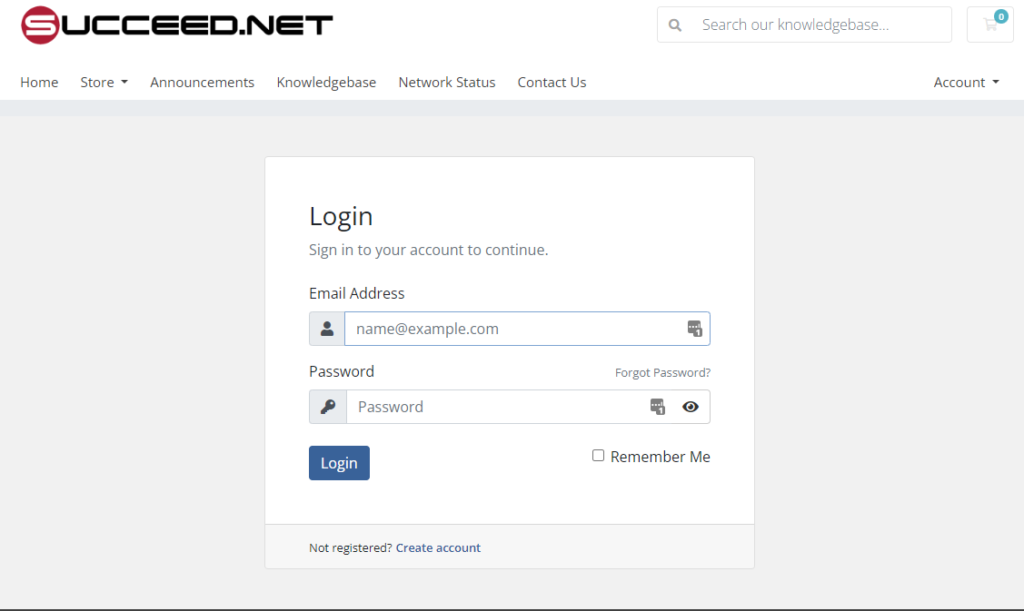
You will first go to the account login page at https://myaccount.succeed.net/index.php?rp=/login
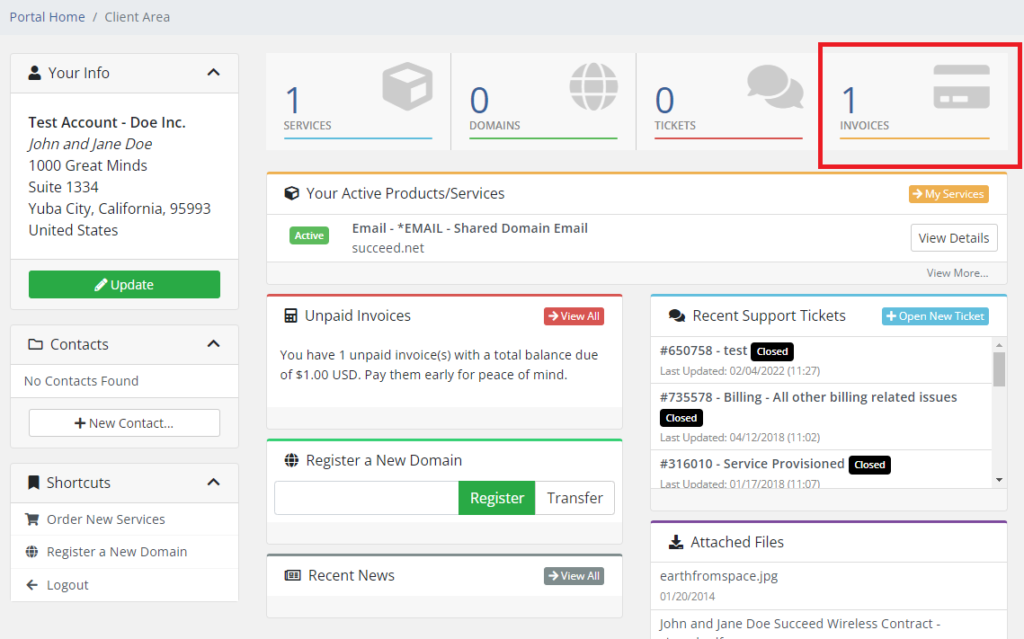
Once logged in, you will click on Invoices at the top right.
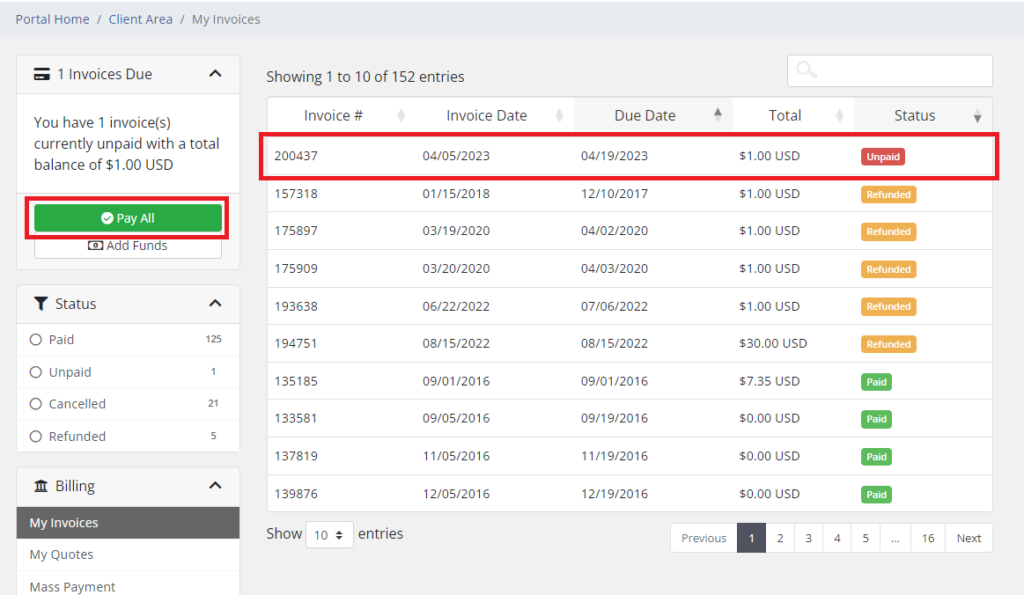
You can then either click on an individual invoice or click the green "Pay All" button.
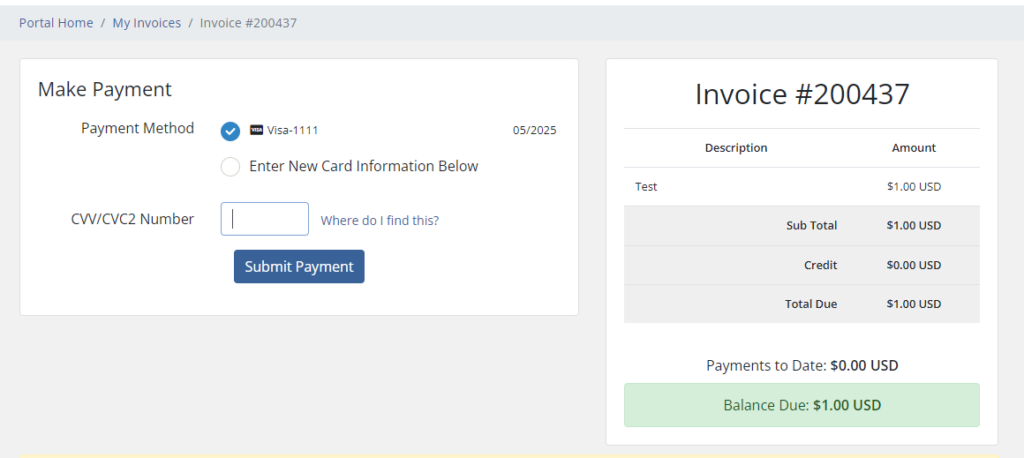
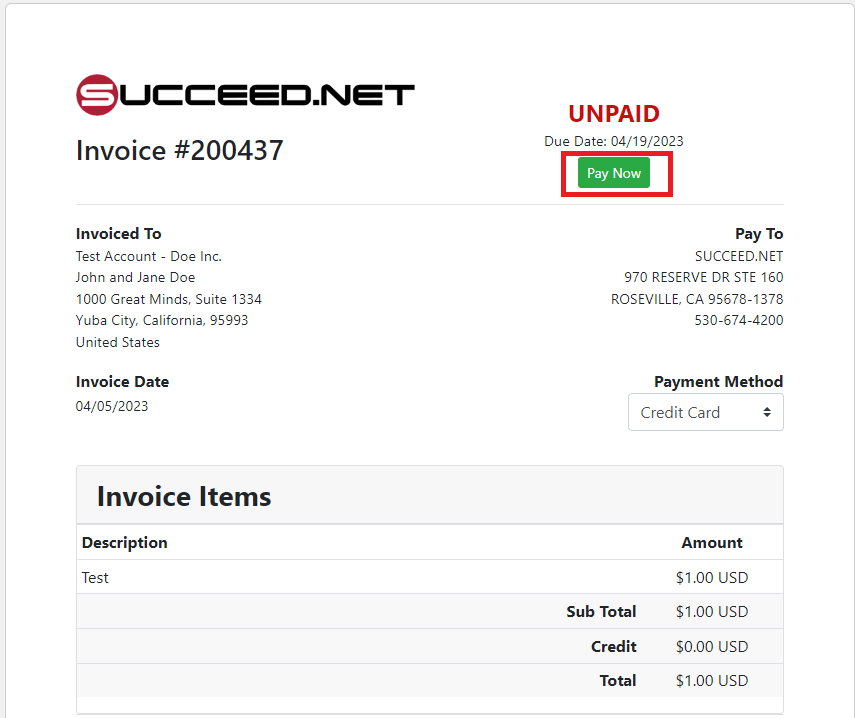
Once the invoice is loaded, you will then click the green "Pay Now" button.
You can then pay with the current card information or choose the option to enter a new card.