
VoIP Portal Access
Updated Feb 19, 2026 · 1 min read
To access the VoIP portal to check voicemail, call history, and other options, please go to https://voice.succeed.net/. You should then see the following screen:
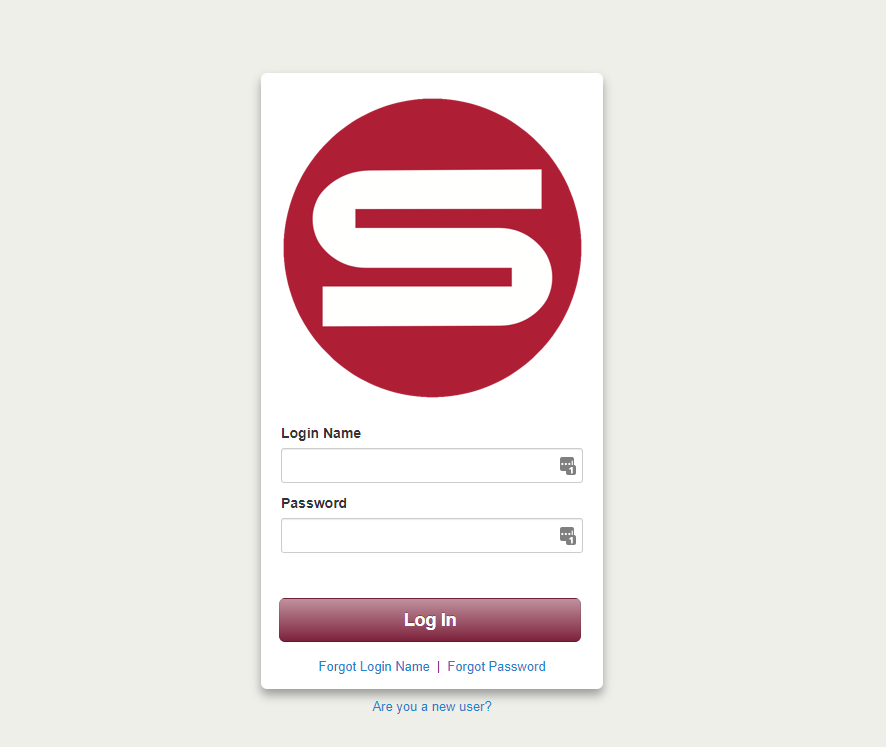
You should have been sent a "Welcome Email" after your VoIP was installed for your login information. If not, you can click the "Are you a new user?" option or contact Customer Service at 530-674-4200 and we will send you the email.
Once logged in, you should see the following:
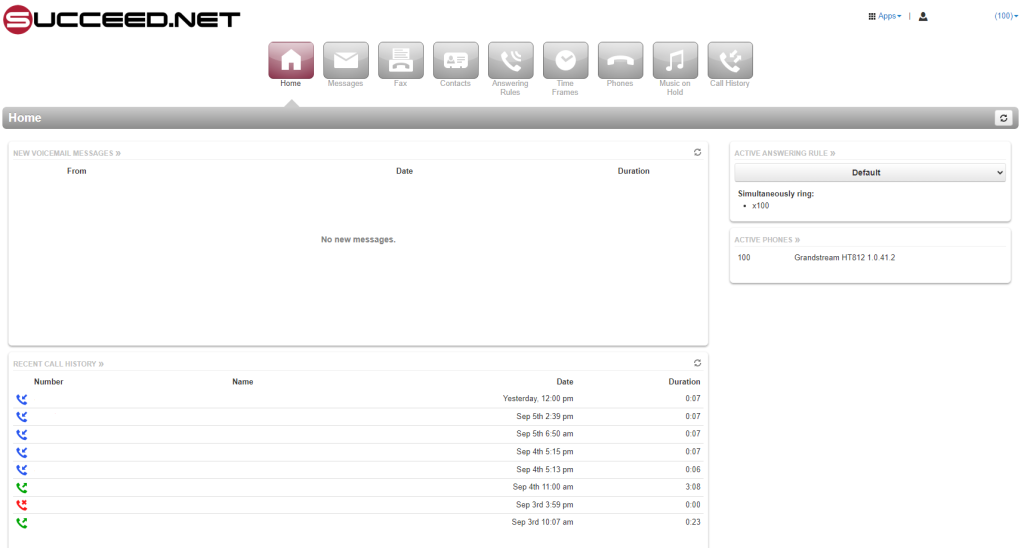
This will be your main dashboard to check your call history, voicemail, and other options depending on your account type and permission level.