Billing
Updated Feb 19, 2026 · 1 min read
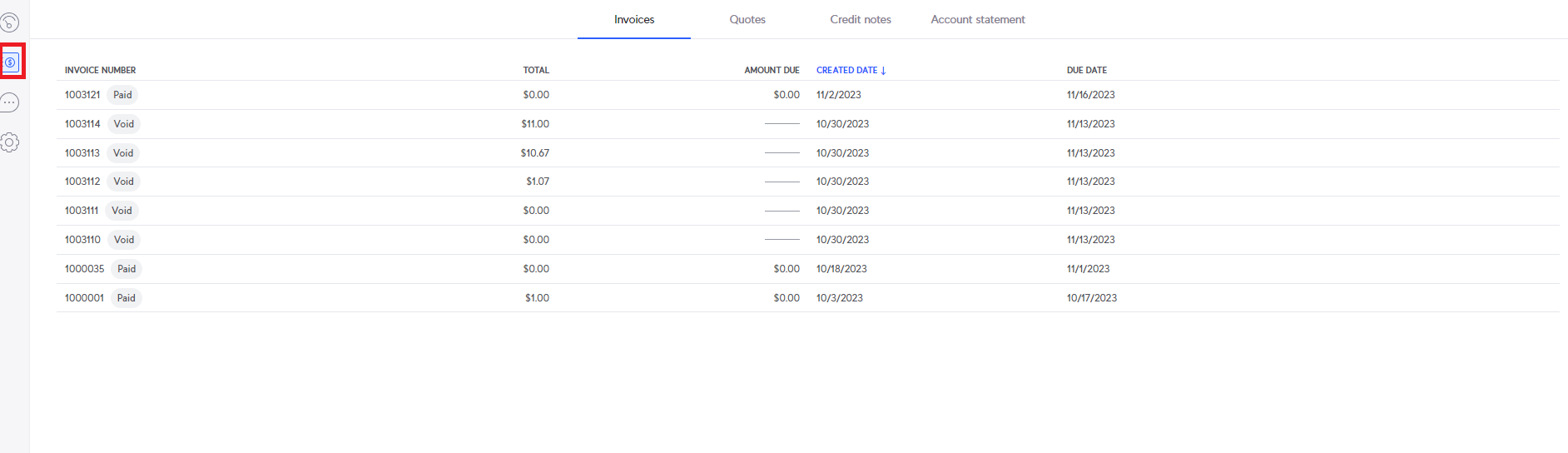
After accessing the customer portal, see the support article Customer Portal and Portal Options, you can select the "Billing" option from the menu on the left.
You will then see the "Invoices" tab by default. You will see your current and past invoices here.
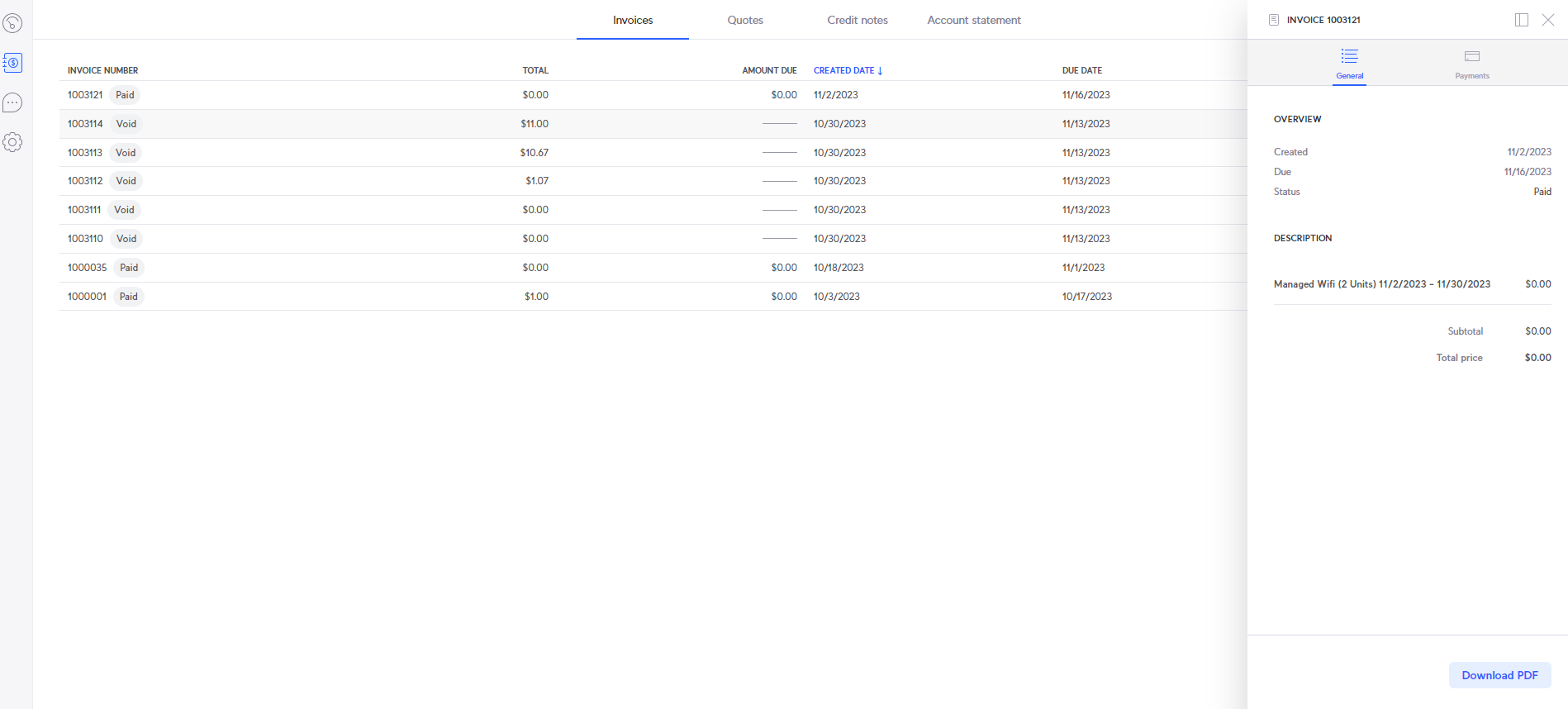
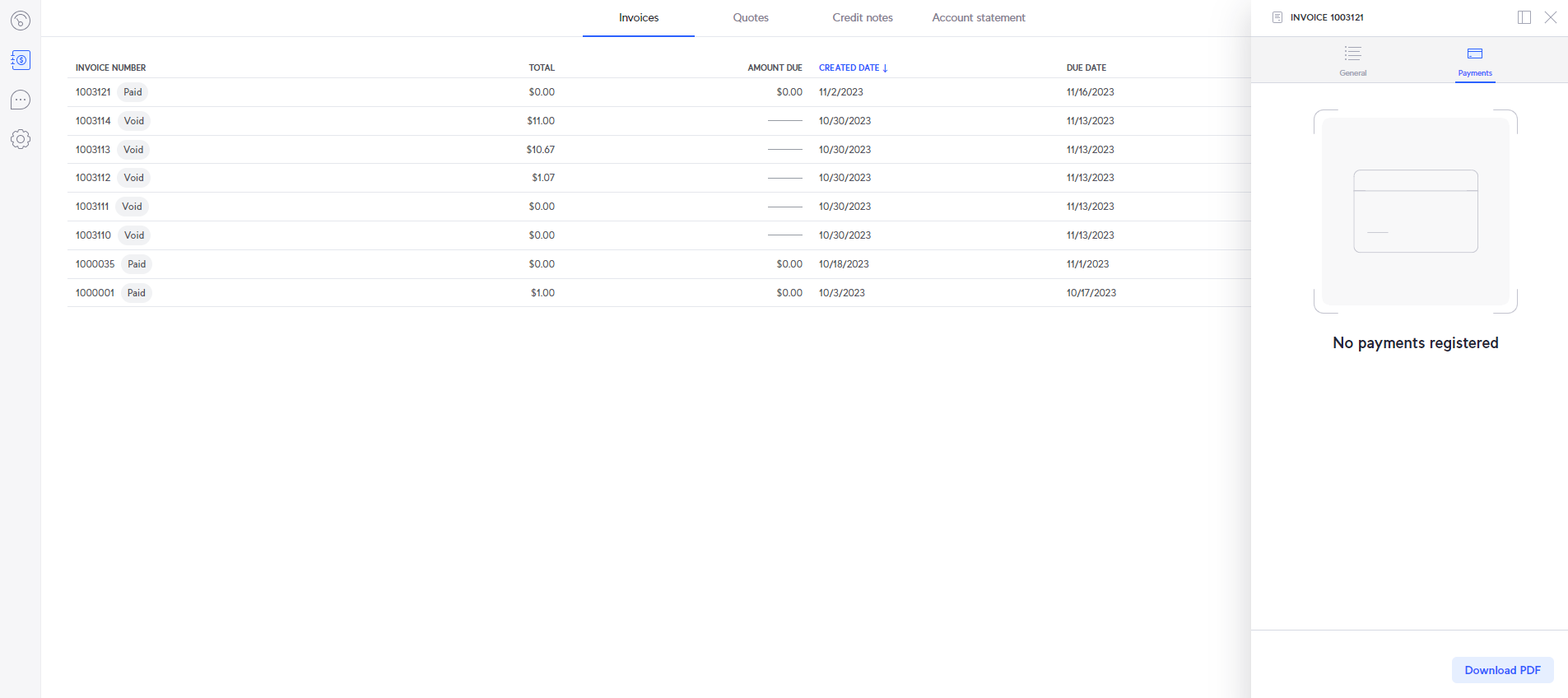
You can then click on an invoice to see the overview, download a .pdf copy, or make a payment.
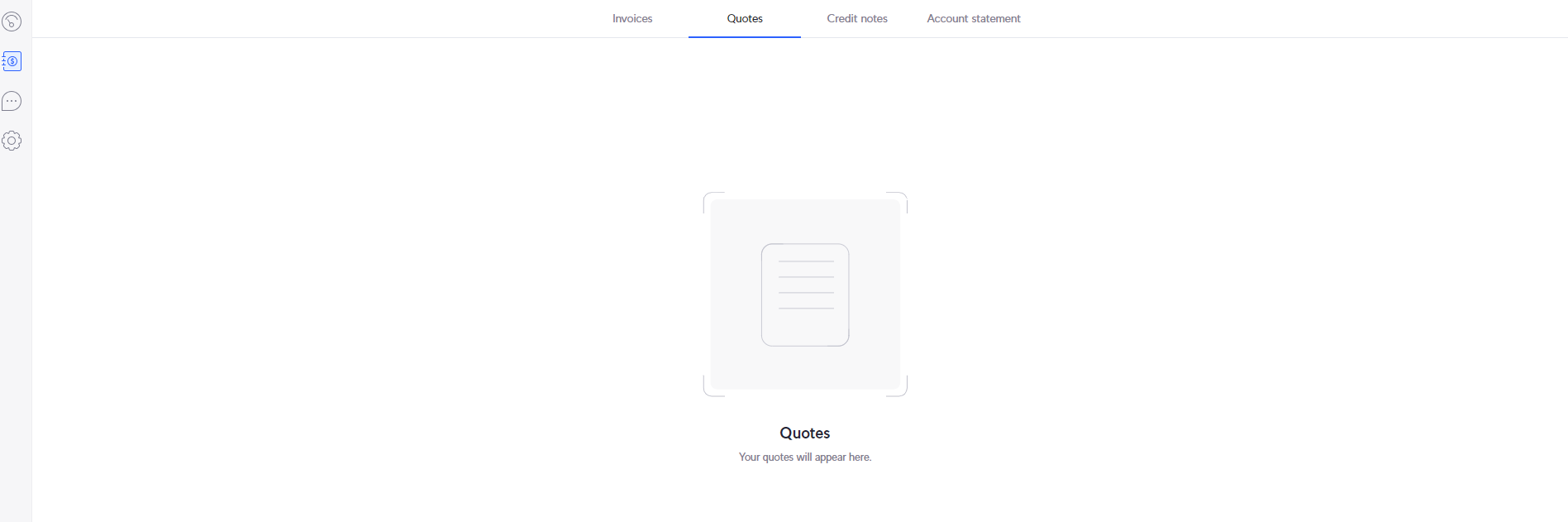
The "Quotes" tab will be where you can see your upcoming new services that were ordered, but not yet billed to the account, such as VoIP or a Static IP.
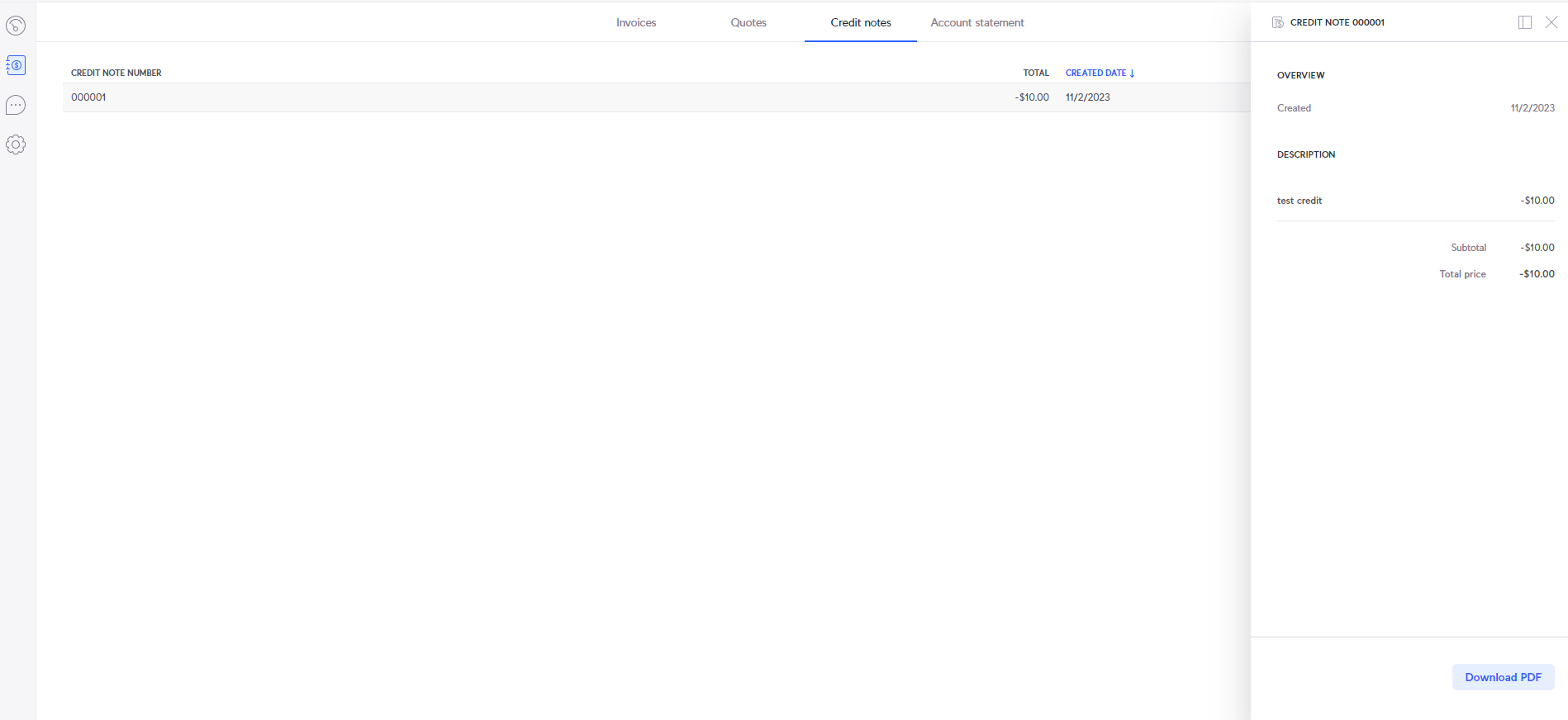
Next will be the "Credit notes" tab. This will be where you can check all the credits/refunds to the account.
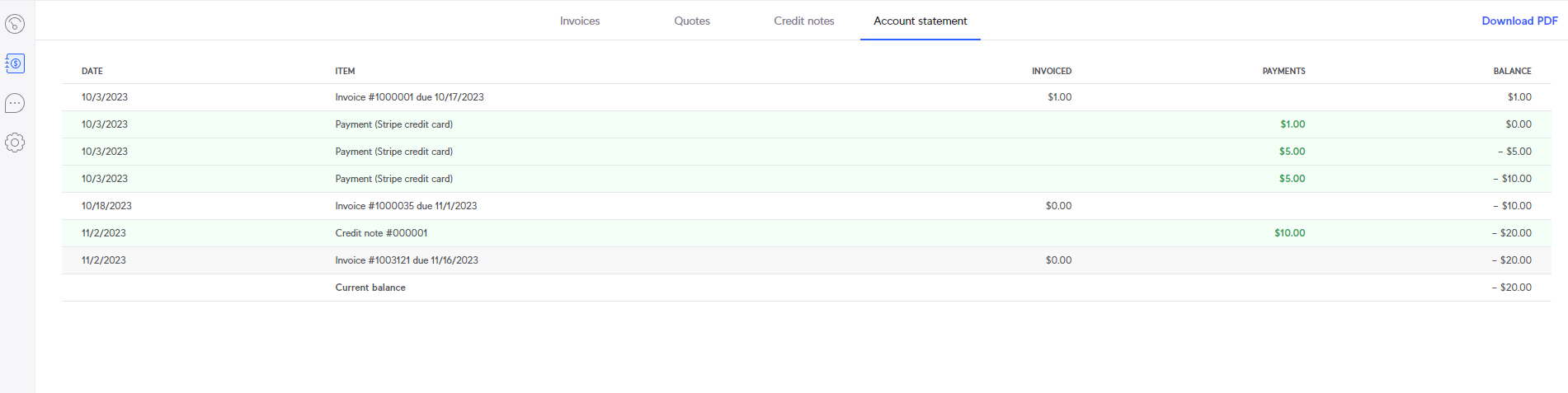
Finally, you can click on "Account statement" to see all payments that have been processed on the account.